
Google Slides, also known as gg slides, is Google’s free, cloud-based presentation software. Its purpose is similar to Microsoft PowerPoint: to serve as a visual aid for storytelling and oral presentations. But unlike traditional desktop programs, Google Slides is fully online, meaning your files live in the cloud, and you can access them from anywhere, on any device.
A key advantage is its real-time collaboration feature. Multiple users can work on the same presentation simultaneously, and all changes are automatically saved. This flexibility has made Google Slides a go-to tool for teams, educators, and professionals worldwide.
Main Features of Google Slides
Real-time editing: Collaborate with teammates on the same file.
Cloud-based storage: Every change is instantly stored in Google Drive.
Cross-device compatibility: Works seamlessly on desktops, tablets, and smartphones.
Free themes & templates: Built-in options to kick-start your design.
Add-ons & integrations: Extend functionality with charts, icons, and third-party apps.
Offline editing: Presentations can be edited without an internet connection.
Supported File Types in Google Slides
Google Slides supports common file formats:
Upload:
.pptx,.ppt,.odp,.pptm,.pps,.ppsm,.pot,.potx,.potm,Export:
.pdf,.txt,.jpg,.png,.svg
If you need to switch between platforms, read our How to Convert Google Slides to PowerPoint (Step-by-Step Guide) for a smooth process.
Why People Use Google Slides (gg slides)

A Google Slides presentation serves the same purpose as a PowerPoint file: to visually support your message during a talk or meeting. However, it offers unique benefits:
Work directly in the cloud, no software required.
Access from anywhere — desktop, laptop, or mobile.
Collaborate with multiple users at the same time.
Auto-save ensures you never lose progress.
For professional projects, you can use custom-designed templates that save time and elevate your visual impact. Explore our PPT and Google Slides free template library to get started.
What is a Slide in Google Slides?
In Google Slides, a slide is like a single canvas or page in your presentation. You can insert text, images, charts, videos, or animations to tell your story. By combining multiple slides, you build a cohesive, professional presentation.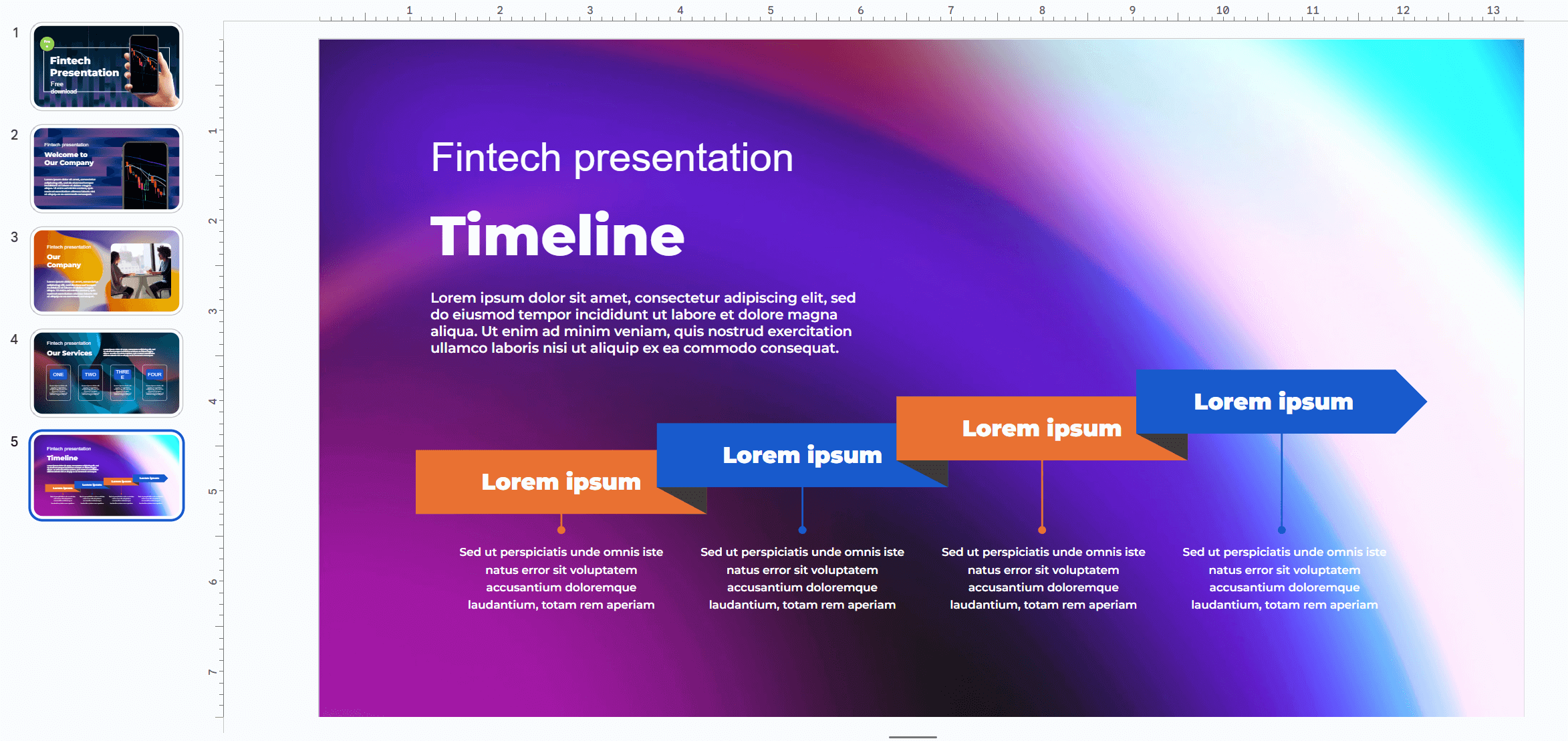
Click here if you want to get this Google Slides theme above
Whether you call it Google Slides or gg slides, this tool is a modern, flexible solution for creating and sharing presentations. If you want to stand out with polished design, check out our Free but premium PowerPoint & Google Slides templates to save time and impress your audience.
Articles You May Also Like
- How To Insert A Google Slides Countdown Timer (With Bonus Present)
- Interactive Activities With Google Slides for Teachers : 10 Engaging Classroom Ideas
Latest Article


