The Hexagonal Diagram Design Template brings a modern geometric balance to your presentation.
Each hexagon fits together perfectly, symbolizing interconnection, modular systems, and integration — ideal for showing relationships between teams, ideas, or stages of a process.
This layout is particularly effective for business strategy, organizational charts, or data clustering, where multiple elements link to a central concept.
The overlapping translucent layers emphasize collaboration and shared objectives, making it visually engaging without being overwhelming.
You can fully customize the hexagon colors, gradients, and transparency levels to match your brand.
The design’s symmetrical form naturally guides the viewer’s eye toward the center, helping you highlight the core message or KPI at the heart of your presentation.
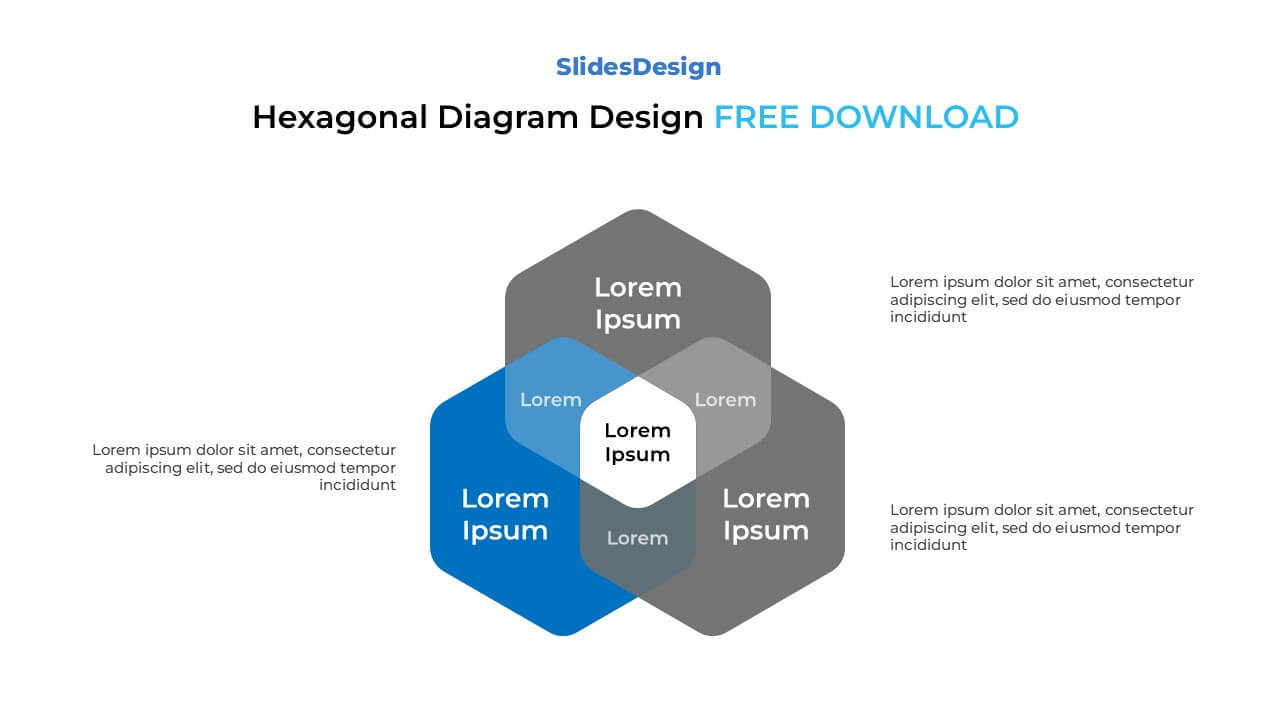
Modular hexagon design representing interconnected ideas
Fully editable in PowerPoint and Google Slides
Perfect for organization, analysis, or data-driven presentations
Transparent layers with gradient color options
Vector-based and easily scalable
Minimal, professional layout suitable for corporate and creative use
Business Strategy Mapping – show relationships between goals, departments, or stakeholders.
Project Coordination – visualize workflows or shared resources among multiple teams.
Data Classification – organize grouped data or overlapping datasets.
Education & Research – illustrate conceptual frameworks or topic connections.
IT and System Design – represent architecture or integrated software components.
It represents interconnected systems — ideal for showing unity within diversity or collaboration between parts.
Yes. Each hexagon is independent, so you can easily duplicate or delete them while keeping alignment intact.
Apply brighter colors, transparency, or drop shadows to highlight it as the focal point.
Definitely. Its symmetry and clarity make it adaptable to creative, academic, and marketing topics.

Payment isn’t required,
but donations are always appreciated!
Your donation goes a long way to helping us run slidesdesign.com! 😊