
There’s something oddly frustrating about trying to merge PDF files.
You just want to combine a few documents — maybe a contract and a proposal — but suddenly you’re downloading software, creating accounts, and dodging watermark traps.
That’s why I decided to write this post.
Not just because I’ve had that same headache, but because I built a simple tool to solve it — and I wanted to explain the problem and solution clearly.
Why PDF Merging Still Feels Complicated (When It Shouldn’t)
Let’s be honest.
PDFs aren’t going anywhere. They’re still the go-to format for forms, reports, receipts, and just about everything “official.”
But the moment you try to merge a few of them, you hit a wall:
Adobe asks for a subscription
Free tools leave watermarks
Some websites limit you to 2 files
Others ask for your email before doing anything
And all you wanted was a clean PDF merge — online, free, and fast.
What to Look for in a Good PDF Merge Tool
If you’re trying to merge PDF online free, here’s what actually matters:
No watermark — especially if you’re sending this to clients
No account required — you’re not signing up for a newsletter, you’re merging PDFs
Fast performance — no waiting 30 seconds per file
Simple editor tools — like rearranging pages, deleting extras, maybe even signing
Most importantly:
You should feel like the tool respects your time and your documents.
What I Built (and Why It’s Different)
So yes — I built one myself.
Not because the world needed yet another PDF tool, but because most of what’s out there isn’t as simple as it should be.
This tool is:
Clean, no ads
No signup
No watermark
Includes a basic pdf editor
Files auto-delete after a short time
If you want to try it, here it is:
Merge your PDFs online for free.
No Tricks, Just Combine and Go
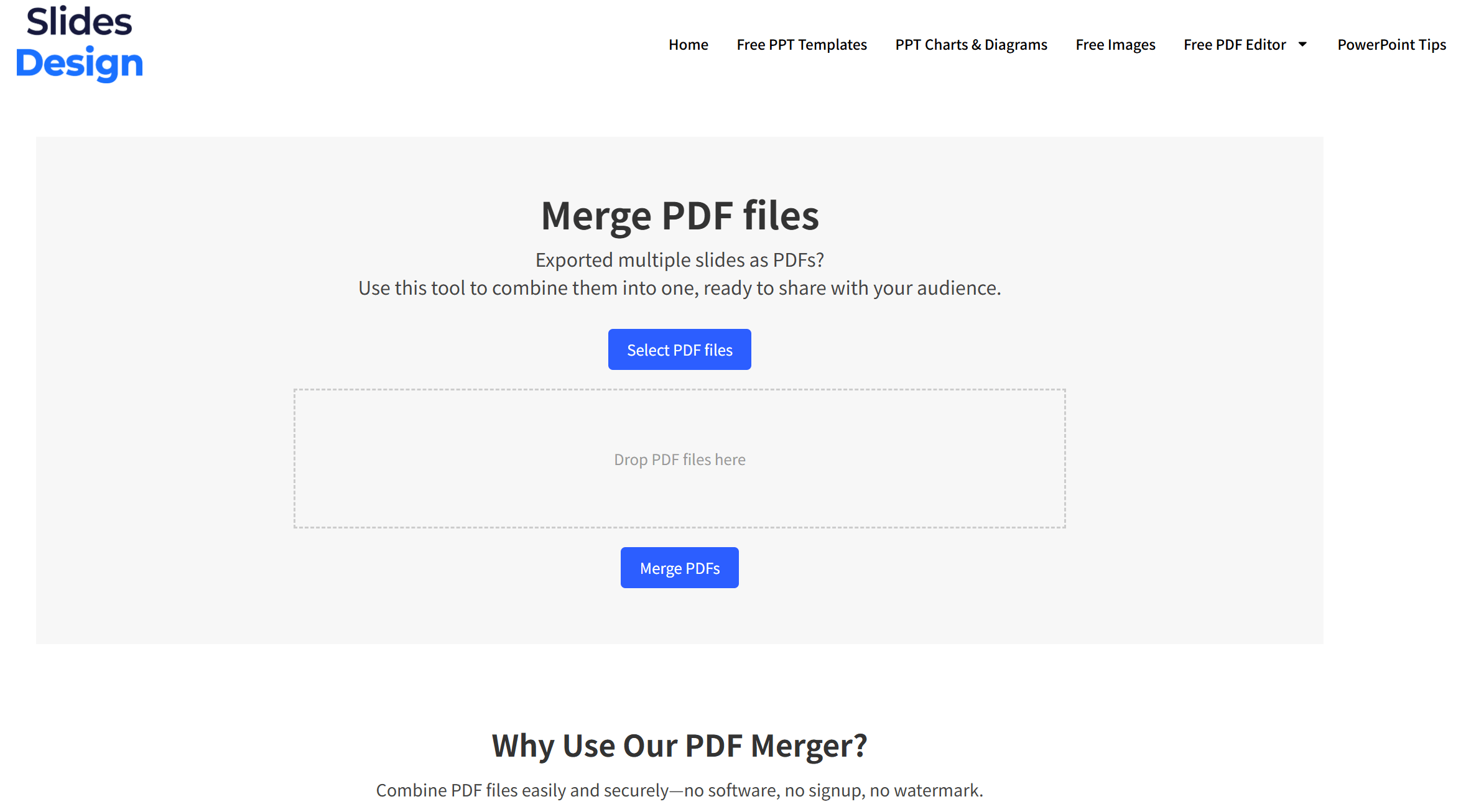
To use it, just:
Drop your files (or click select PDF files)
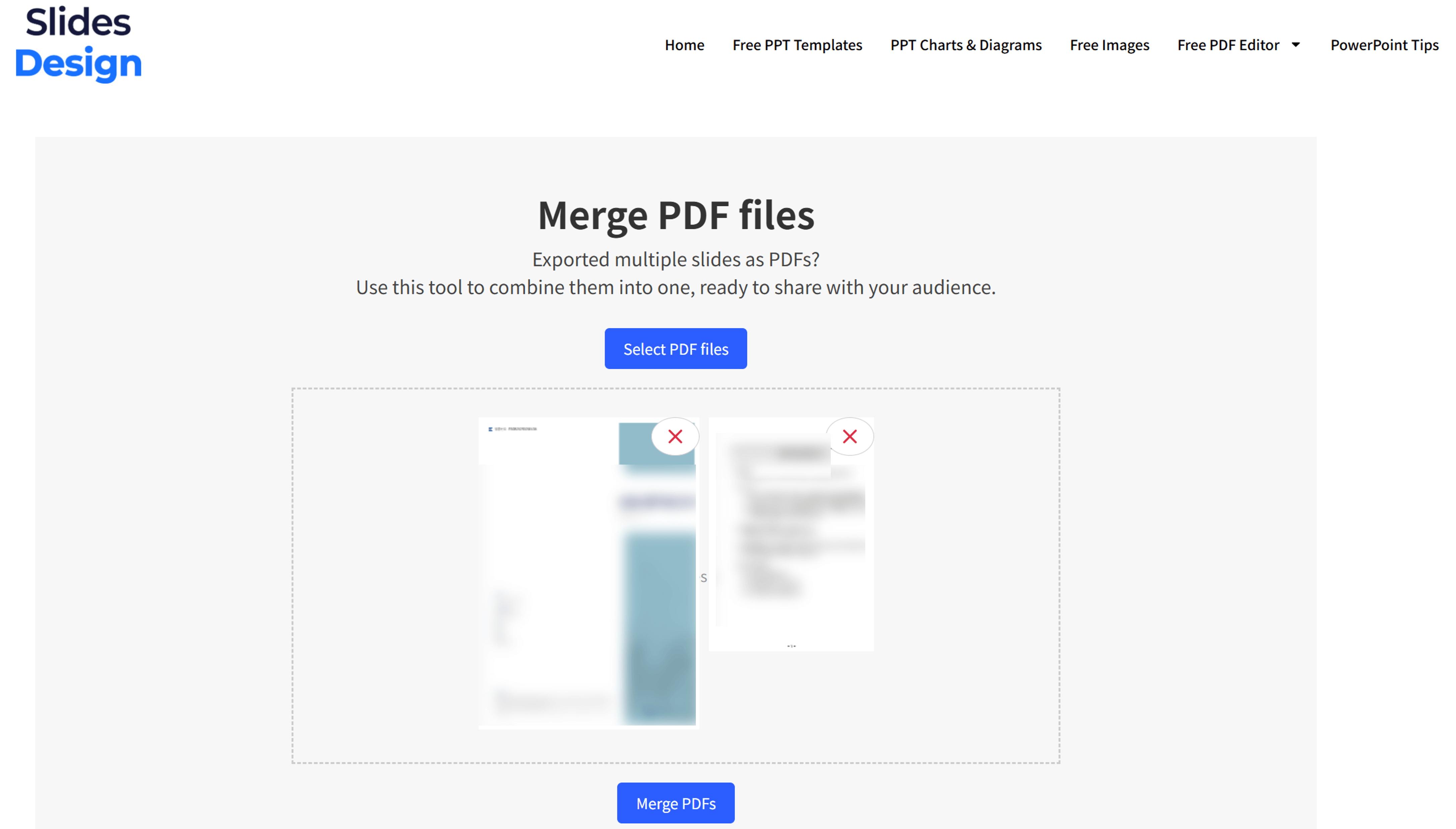
Hit Merge PDFs

Download the final PDF
That’s it. No popups. No branding on the result. No limits that stop you halfway through a task.
Wrapping Up
If you searched for “merge pdf online free” and landed here, chances are you were just looking for something that works — without all the extras.
This post wasn’t meant to sell you something.
It’s just a simple explanation of why I built this tool, what to look out for, and how to save yourself some frustration next time you’re trying to combine files.
Hope it helps.
And if it does — feel free to bookmark it for next time.


